ASRCurrency Action in Studio – Complete Guide
 VoIP Trainers4 min read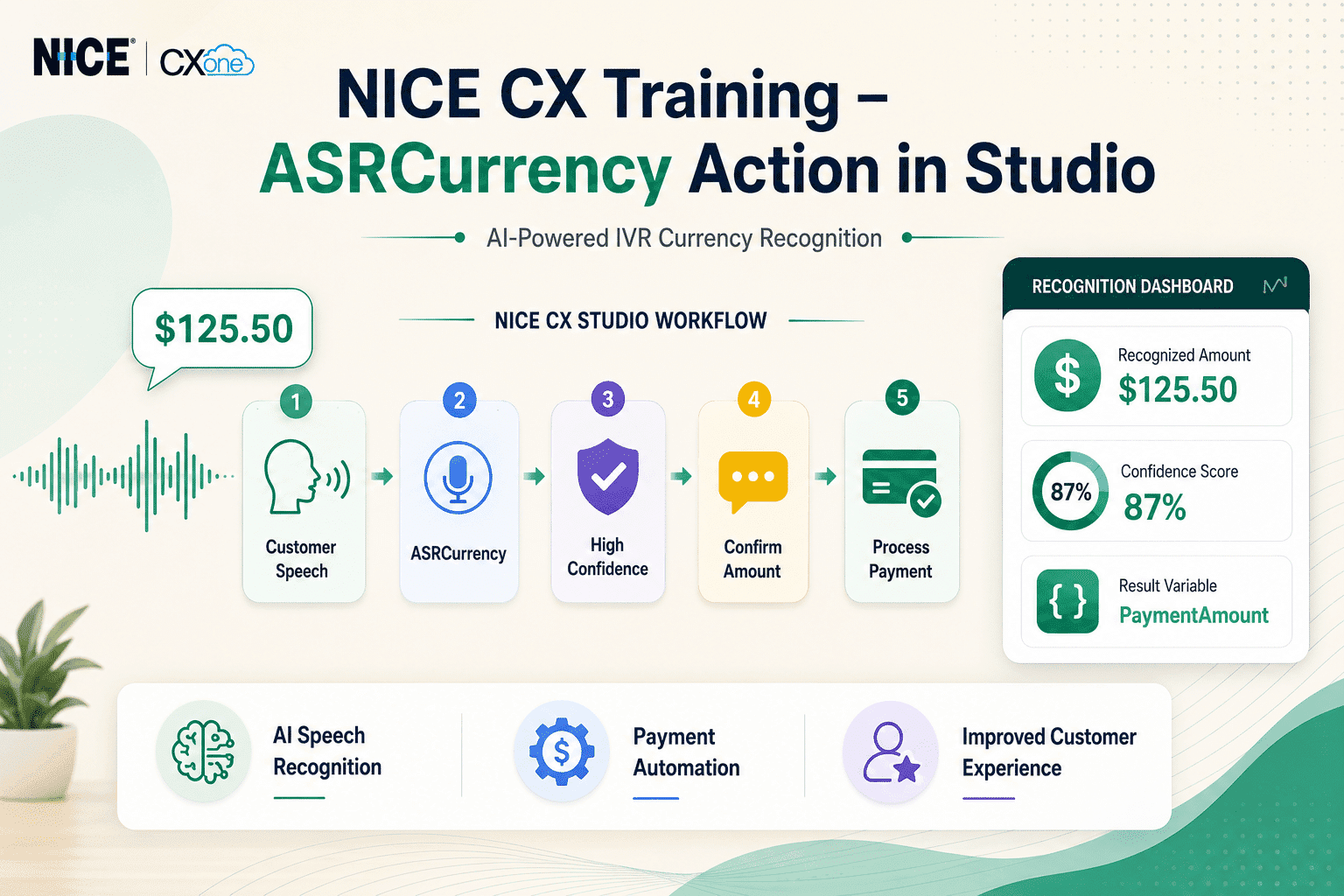
The ASRCurrency action is used in Desktop Studio and Studio to capture a monetary value spoken by a caller and store it in a variable. This is especially useful in payment systems, deposit collection, account balance inquiries, and billing applications.
Supported Script Types

What is ASRCurrency Action in Studio?
ASRCurrency is an Automatic Speech Recognition (ASR) action that listens to a caller’s spoken currency amount and converts it into a numeric value that can be used later in the script.
Example
If a caller says:
| Caller Says
|
Stored Value
| | — | — | |
Twenty-four dollars and sixty-eight cents
|
24.68
| |
Thirty-two cents
|
0.32
| |
Fourteen twelve
|
14.12
| |
Twenty dollars
|
20.00
|
The system automatically interprets the spoken amount and stores it in a script variable.
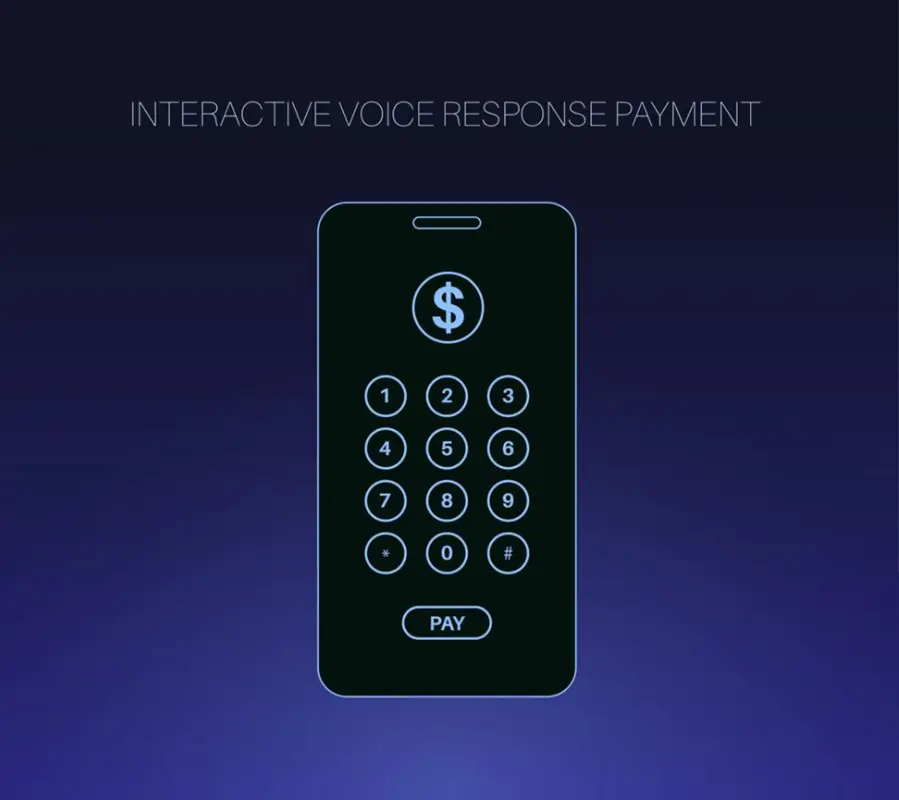
Relevant Illustration
Business Use Cases
- Credit Card Payment Collection
Prompt:
“Please tell me the payment amount you would like to make.”
Customer says:
“One hundred and twenty-five dollars and fifty cents”
ASRCurrency stores:
125.50
- Deposit Collection
A hotel booking IVR asks:
“Please state your deposit amount.”
Customer says:
“Fifty dollars”
Stored Value:
50.00
- Loan Repayment
The banking IVR asks:
“How much would you like to pay today?”
Customer says:
“Three hundred dollars”
Stored Value:
300.00
Prerequisites
Before using ASRCurrency:
ASR Must Be Enabled
ASR actions appear only when Automatic Speech Recognition is enabled for your organization. This is an optional feature and may require licensing.
Supported Script Type
- Phone Scripts only.
Prerequisites
Before using ASRCurrency:
ASR Must Be Enabled
ASR actions appear only when Automatic Speech Recognition is enabled for your organization. This is an optional feature and may require licensing.
Supported Script Type
- Phone Scripts only.
Supported Currencies
| Language Pack
|
Supported Currency
| | — | — | |
en-US
|
USD
| |
en-GB
|
GBP, EUR
| |
de-DE
|
EUR
| |
es-ES
|
USD, MXN
| |
es-US
|
EUR
|
Important Currency Limitations
Supported Symbol
Only:
$
is supported for currency parsing.
Decimal Format
Correct:
24.68
Not Supported:
24,68
The system only accepts a period (.) as the decimal separator.
Pronunciation Rules
The following words are hardcoded:
- Dollars
- Cents
- Negative
- Point
These cannot be customized.
ASRCurrency Flow Diagram
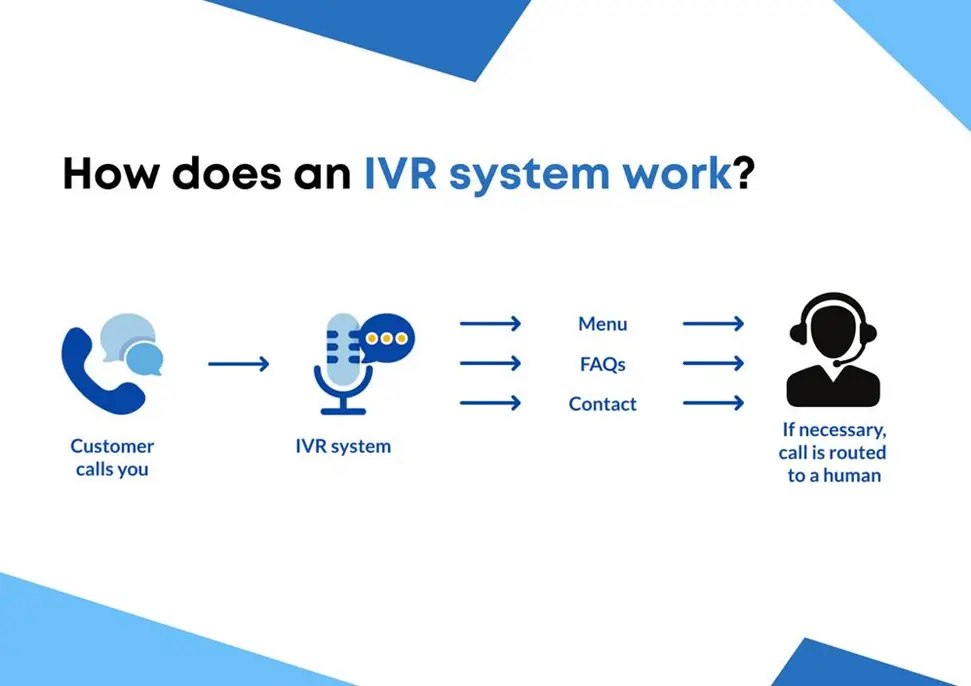
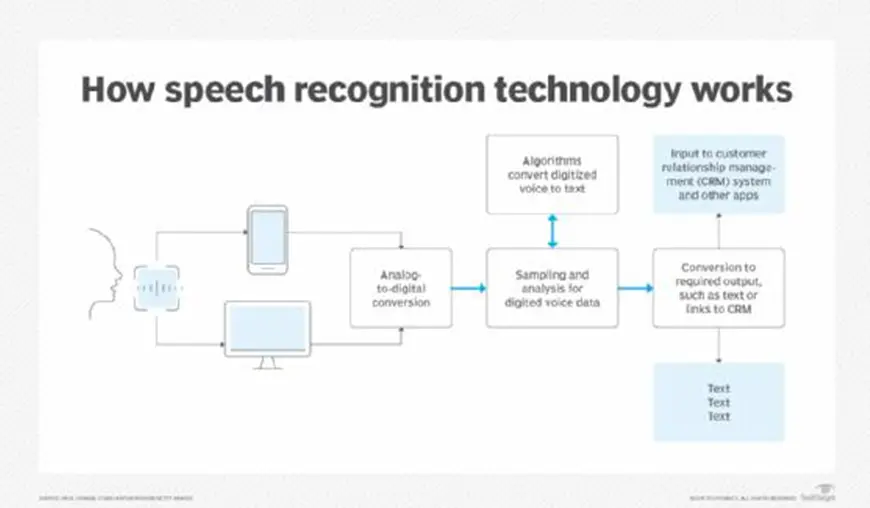
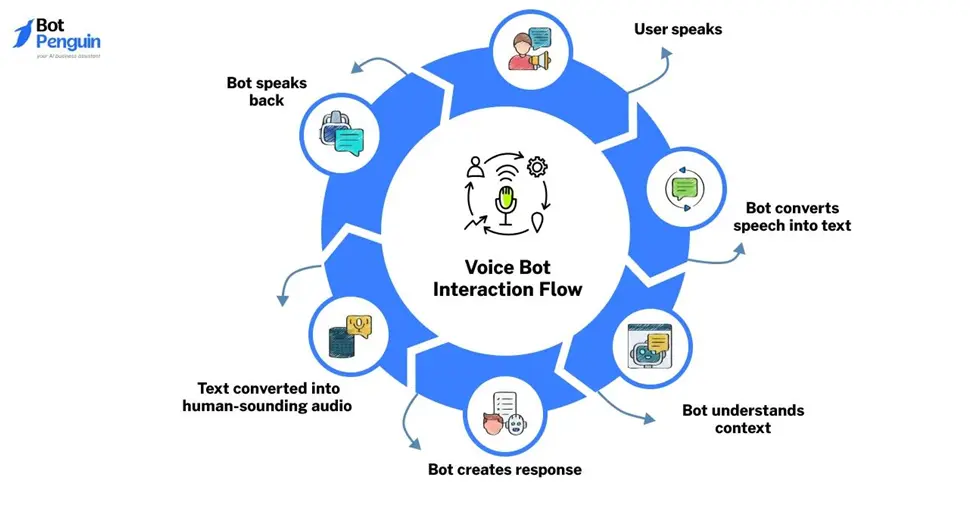
Process Flow
Caller Hears Prompt │ ▼ Speaks Currency Amount │ ▼ ASRCurrency Action │ ▼ Speech Recognition │ ▼ Confidence Check │ ┌────┼───┐ ▼ ▼ ▼ High Medium Low Confidence Confidence Confidence │ │ │ ▼ ▼ ▼ Proceed Confirm Retry
Input Properties Explained
- Caption
Used to identify the action on the Studio canvas.
Example:
Capture Payment Amount
- Sequence
Defines the prompt played to the caller.
Example:
“Please say your payment amount.”
Can use:
- WAV files
- Text-to-Speech (TTS)
- Phrase
Documentation-only field.
Used for developers to note the spoken text.
Example:
Please state your payment amount.
- HighConfidence
Determines when recognition is considered highly accurate.
Default:
78%
If recognition confidence is ≥ 78%, the script takes the OnHighConfidence branch.
- MinConfidence
Minimum acceptable confidence.
Default:
50%
Values between MinConfidence and HighConfidence go to the OnMedConfidence branch.
- TimeoutSeconds
Defines how long the IVR waits for caller input.
Default:
10 Seconds
If no response is received, the script follows the OnTimeout branch.
- ResultVarName
Stores the recognized currency value.
Example:
PaymentAmount
Result:
125.50
- ConfidenceVarName
Stores the confidence score.
Default:
ASRConf
Example:
87
- DetectDTMF
Allows callers to use keypad input instead of speech.
TRUE
Accepts:
- Voice Input
- Keypad Input
FALSE
Accepts:
- Voice Input Only
- ClearDigits
Controls whether previous DTMF entries are cleared.
Default:
TRUE
Recommended setting:
TRUE
to avoid processing old keypad entries.
Result Branches
OnHighConfidence
Recognition confidence exceeds HighConfidence threshold.
Action:
Continue Processing
OnMedConfidence
Recognition is uncertain.
Example Prompt:
“Did you say twenty-four dollars and sixty-eight cents?”
Used for caller confirmation.
OnNoConfidence
Speech not recognized accurately.
Action:
Repeat Prompt
OnTimeout
No caller response.
Action:
Reprompt Customer
OnError
Unexpected issue occurred.
Examples:
- Connectivity issue
- Syntax issue
- ASR service failure
Error details are stored in:
_ERR
OnDTMF
Caller pressed keypad digits.
Use a Capture action to retrieve the digits from the DTMF buffer.
Best Practices
Use Confirmation for Payments
Always route Medium Confidence responses to a confirmation step.
Example:
Did you say $250? Press 1 for Yes Press 2 for No
Keep Prompts Short
Good:
Please state your payment amount.
Bad:
Please state the amount you wish to pay today for your account ending in…
Enable DTMF Backup
Allow callers to enter amounts manually if speech recognition fails.
Monitor Confidence Scores
Use the confidence variable to analyze IVR performance and improve prompts.
Real-World Studio Example
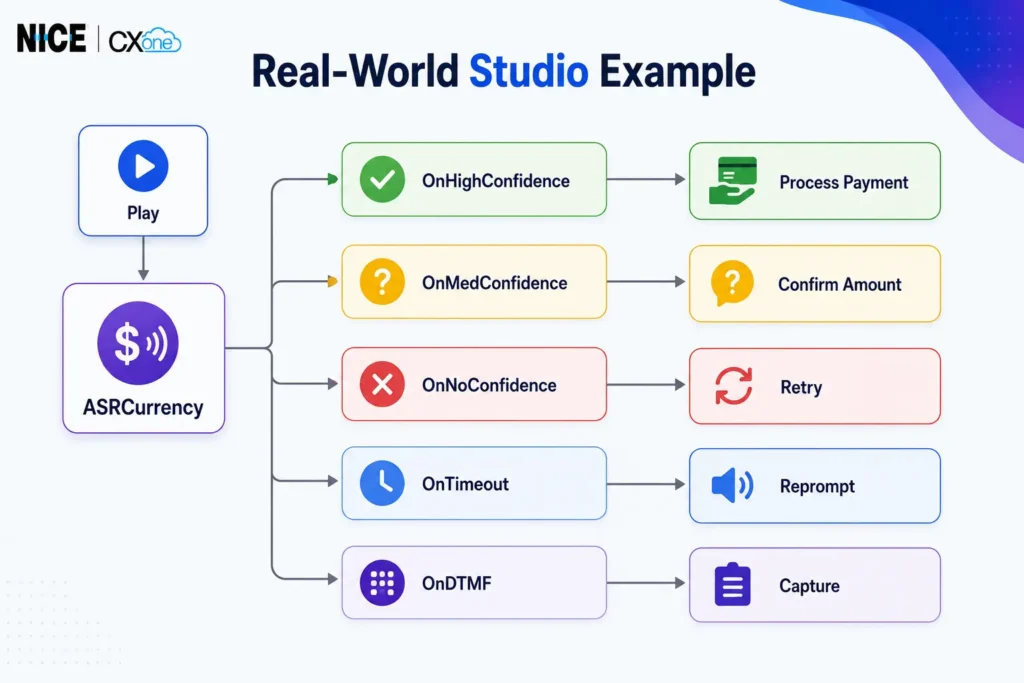
This configuration creates a reliable and customer-friendly IVR payment collection process while reducing agent involvement and improving automation efficiency.
Conclusion
The ASRCurrency Action in Studio is a powerful feature that enables organizations to capture and process spoken monetary amounts accurately within IVR applications. By leveraging Automatic Speech Recognition (ASR), businesses can automate payment collection, deposit handling, and account-related transactions while improving customer self-service experiences. Features such as confidence scoring, DTMF fallback, timeout handling, and confirmation workflows help ensure reliable and efficient voice interactions.
With NICE CX Customized Training, learners gain hands-on experience in configuring ASRCurrency actions, managing confidence thresholds, handling real-world payment scenarios, and designing advanced Studio workflows. Our customized training programs are tailored to meet the specific needs of administrators, developers, and contact center professionals, helping them build practical skills and confidently deploy intelligent IVR solutions in real-world environments. Whether you are new to NICE CXone Studio or looking to enhance your automation expertise, our customized training provides the knowledge and practical exposure needed for success -Nice cx Training | VoipTrainers.