Agent Assist in NICE CXone – Complete Guide with Examples & Workflow
 VoIP Trainers4 min read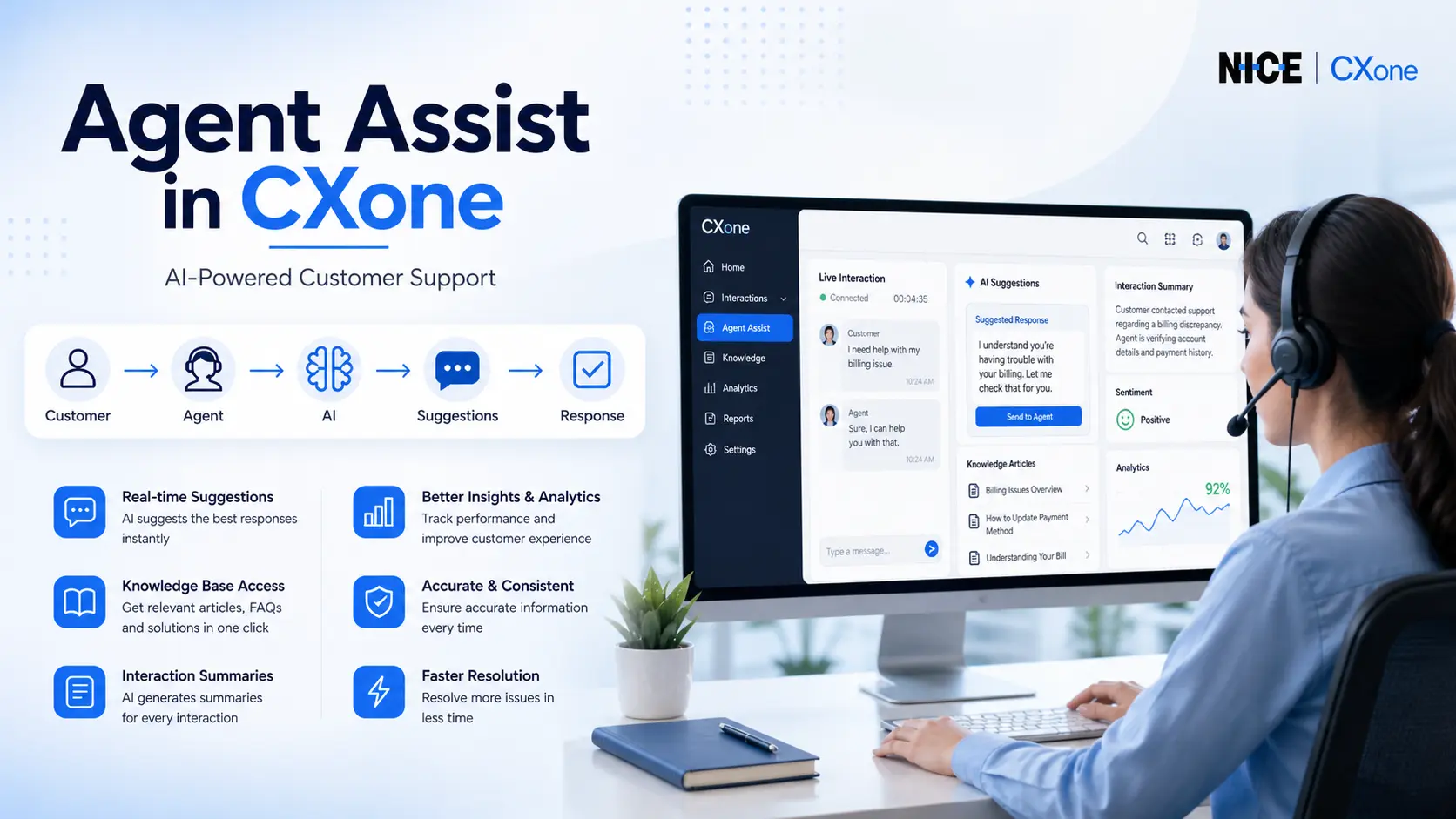
Agent Assist in NICE CXone: Message Composer, Smart Reply & Every AI Feature Explained
NICE CXone Agent Assist is an advanced feature that helps agents during live customer interactions. It uses AI-powered tools to provide:
- Real-time suggestions
- Knowledge base articles
- FAQs and responses
- Interaction summaries
This improves agent performance, customer satisfaction, and response speed.
What is Agent Assist?
Agent Assist connects external AI applications to the CXone platform. These applications analyze conversations and provide real-time guidance to agents.
Key Benefits:
- Faster response handling
- Reduced agent effort
- Improved accuracy
- Better customer experience
How Agent Assist Works
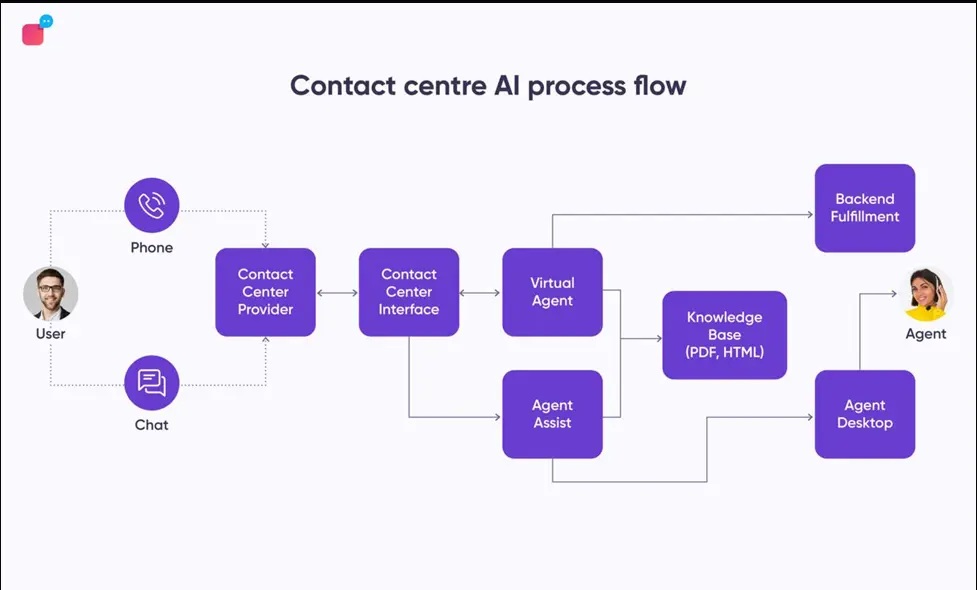
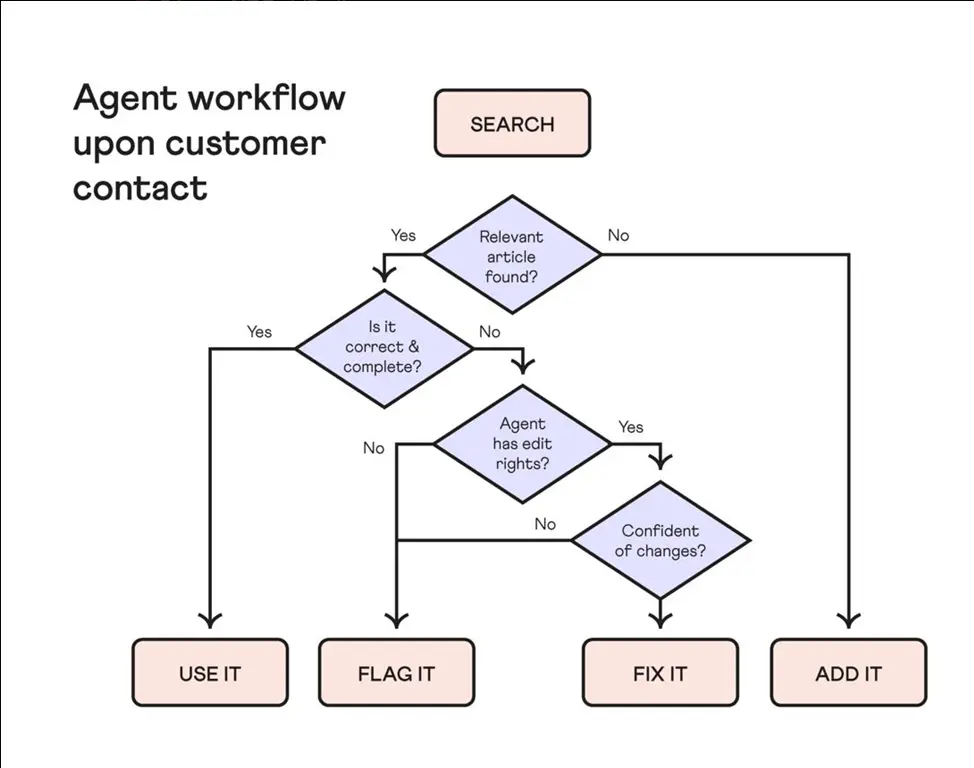
Workflow Explanation:
- Customer initiates interaction (call/chat/email)
- Agent answers the interaction
- Agent Assist gets triggered
- AI analyzes conversation in real-time
- Suggestions & insights are displayed to the agent
Dependencies of Agent Assist Action
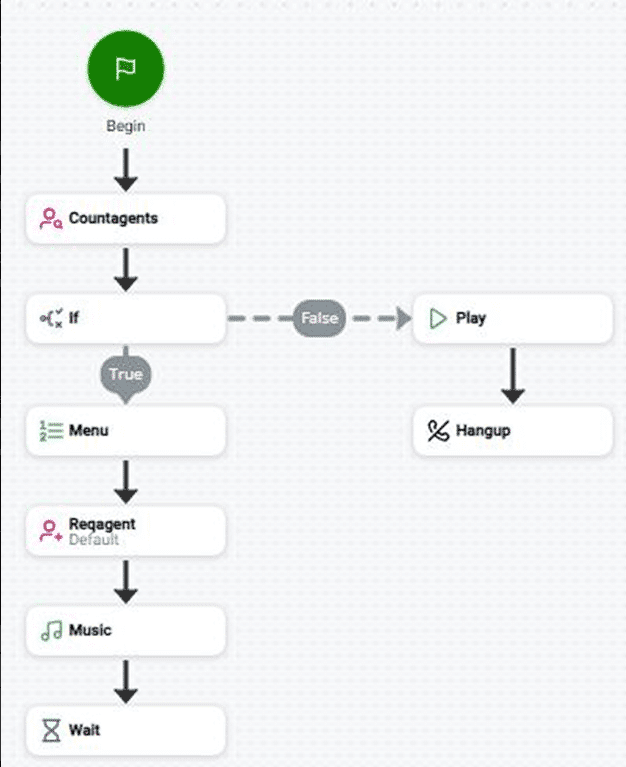
Agent Assist must be placed correctly in the script to work.
Important Rules:
- Must be used after OnAnswer (voice) or OnAssignment (digital)
- Requires Agent ID
- Multiple Agent Assist actions can be used in one script
- Each application needs its own configuration
If not configured properly, features like transcripts and summaries won’t work
Supported Script Types
Agent Assist supports multiple interaction channels:
- Voice (Phone)
- Chat
- SMS
- Digital interactions
- Work items
This makes it a multi-channel AI assistant
Supported Agent Assist Applications

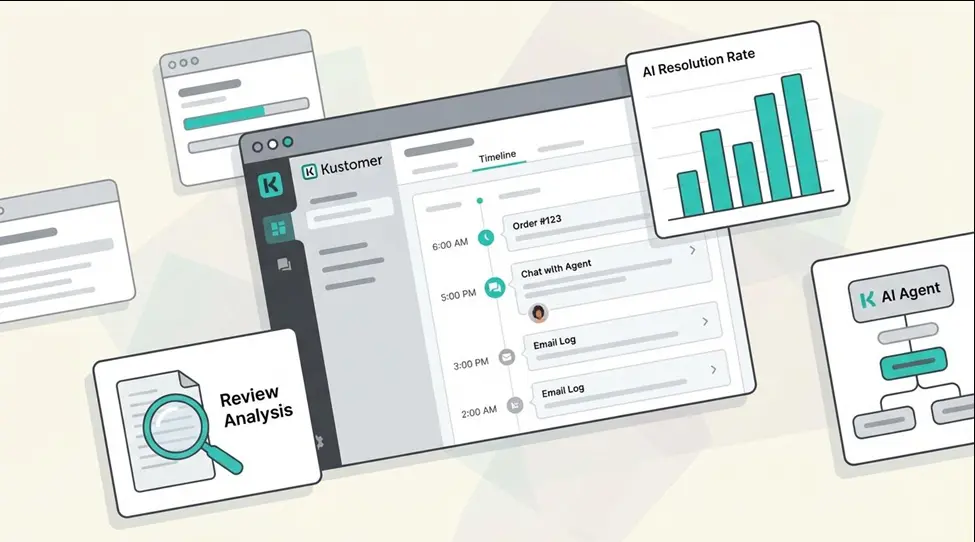
Popular Integrations:
- AutoSummary – Generates call summaries
- Copilot for Agents – Suggests replies
- Real-Time Interaction Guidance (RTIG) – Guides agent behavior
- Voice Biometrics – Verifies customer identity
- Google Contact Center AI – Provides FAQs and knowledge
- Salesforce Assist – Shows transcripts
These tools make interactions smarter and faster
Input Properties Explained
- Caption
Short label for identifying the action in the script
- assistLaunchConfigName
Defines which AI application is connected
- scriptParams
JSON data passed to the AI system
Important: You must define parameters using a Snippet action
Result Branch Conditions
Agent Assist supports branching logic:
- Default → Normal execution path
- OnError → Triggered when something fails
Errors are stored in _ERR variable
Required Snippet Example
To pass data, you must use a Snippet action:
{ “customerName”: “John”, “issueType”: “Billing”, “priority”: “High” }
This helps AI tools understand the context better.
How to Configure Agent Assist (Step-by-Step)
- Open your script in Studio
- Add Agent Assist action
- Open Agent Assist Hub
- Select your AI application
- Assign configuration profile
- Save and test
Real-Time Use Case Example
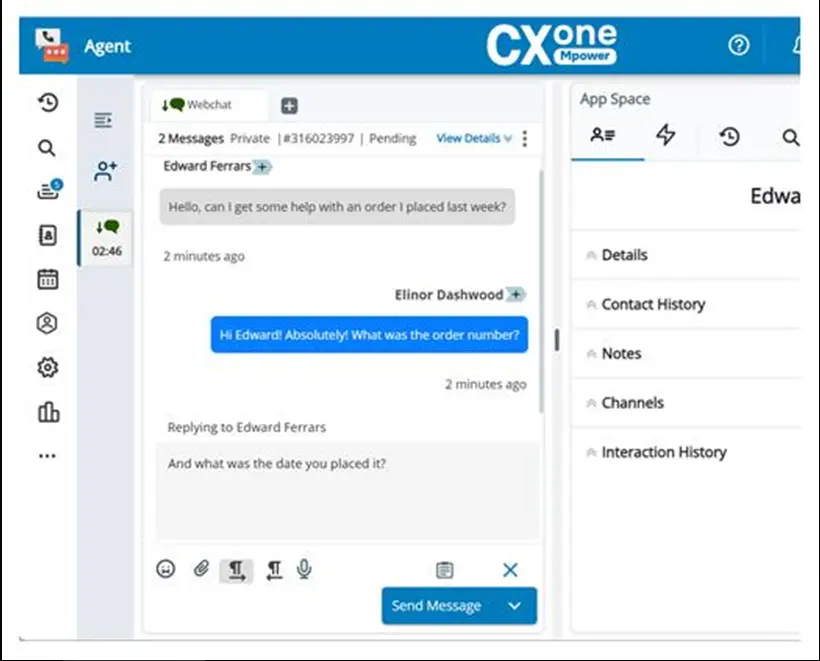
Scenario:
Customer asks about billing issue:
- AI detects keywords
- Suggests relevant FAQ
- Provides response template
- Agent responds instantly
Result: Faster resolution + better CX
Message Composer in NICE CXone Agent Assist
Message Composer in NICE CXone Agent Assist
Message Composer is an AI-powered capability within NICE CXone Agent Assist that helps customer service agents create professional, context-aware responses during live customer interactions. Instead of typing every response from scratch, agents receive AI-generated draft messages based on the customer’s conversation, previous interactions, and available knowledge resources.
By reducing manual effort, Message Composer helps agents respond faster while maintaining consistent communication quality. Agents can review, edit, and personalize the suggested response before sending it, ensuring both efficiency and accuracy.
Key Benefits of Message Composer
- Generates AI-assisted response drafts in real time.
- Reduces Average Handle Time (AHT).
- Improves response consistency across teams.
- Helps new agents respond with greater confidence.
- Enhances customer satisfaction with faster replies.
- Allows agents to review and customize responses before sending.
Smart Reply in NICE CXone Agent Assist
Smart Reply in NICE CXone Agent Assist
Smart Reply is another intelligent feature of NICE CXone Agent Assist that provides quick response suggestions during customer conversations. Unlike Message Composer, which creates a complete response draft, Smart Reply offers short, context-aware reply options that agents can choose with a single click.
This feature is particularly useful for handling common customer questions, confirmations, acknowledgements, and repetitive interactions. By reducing typing effort, Smart Reply enables agents to resolve customer inquiries more efficiently while maintaining accuracy and consistency.
Advantages of Smart Reply
- Provides instant AI-generated response suggestions.
- Reduces typing effort for customer service agents.
- Improves response speed.
- Ensures consistent communication.
- Supports live chat, messaging, and digital channels.
- Enhances agent productivity and customer experience.
Difference Between Message Composer and Smart Reply
| Feature | Message Composer | Smart Reply |
|---|---|---|
| Purpose | Generates a complete AI-assisted response draft | Suggests short reply options |
| Best For | Complex customer conversations | Quick responses and acknowledgements |
| Editing | Agents can modify the drafted response | Agents select one of the suggested replies |
| AI Assistance | Creates detailed responses based on conversation context | Recommends concise, context-aware replies |
| Productivity | Reduces manual writing for longer responses | Speeds up routine customer interactions |
Conclusion
Agent Assist in NICE CXone is a powerful AI-driven feature that transforms customer interactions. By integrating intelligent tools, businesses can deliver faster, smarter, and more efficient support-NICE CXone Training.