Analytics Action in NICE CXone – Complete Guide for NICE CXone Training
 VoIP Trainers5 min read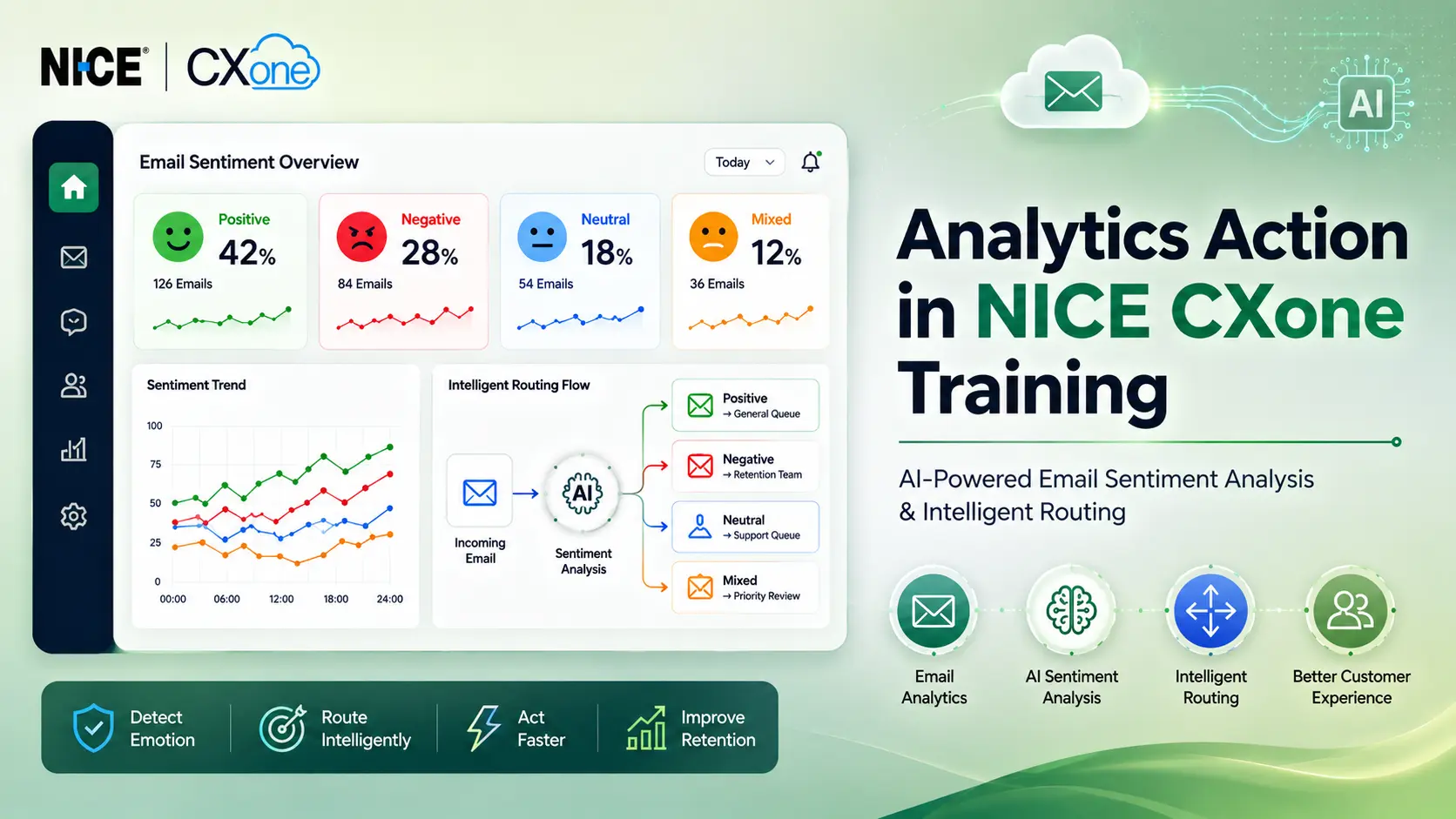
Introduction
In today’s digital customer service environment, understanding customer emotions is extremely important for delivering better customer experiences. In NICE CXone, the Analytics action in Desktop Studio helps organizations perform sentiment analysis on incoming emails.
This feature analyzes customer email content and identifies emotional tones such as:
- Positive
- Negative
- Neutral
- Mixed
During professional NICE CXone Training, learners understand how sentiment analysis improves intelligent routing, customer retention strategies, and automated customer experience management in modern NICE Contact Center environments.
What is Analytics Action in NICE CXone?
The Analytics action is used in NICE CXone Studio scripts to trigger sentiment analysis on email content.
The system automatically analyzes customer email text and categorizes the sentiment based on emotional tone.
This helps businesses:
- Prioritize urgent customer emails
- Detect frustrated customers
- Improve escalation handling
- Route interactions intelligently
- Enhance customer retention
The Analytics action is a powerful AI-driven automation feature inside the NICE Contact Center ecosystem.
Supported Script Type
The Analytics action currently supports:
| Script Type
|
Description
| | — | — | |
|
Sentiment analysis for incoming customer emails
|
Why Analytics Action is Important in NICE CXone Training
In advanced NICE CXone Training, sentiment analysis is one of the most valuable automation topics because businesses increasingly depend on AI-driven customer interaction analysis.
Key Benefits
Intelligent Email Routing
Negative emails can be routed to highly skilled retention agents.
Faster Escalation Handling
Critical customer complaints are identified immediately.
Better Customer Experience
Organizations respond quickly to emotionally sensitive interactions.
AI-Powered Automation
The system automatically detects emotional tone without manual review.
Improved Workforce Efficiency
Agents receive prioritized interactions based on urgency.
How Analytics Works in NICE CXone
The Analytics action processes email content using AI-based sentiment analysis.
Workflow Process
- Customer sends an email.
- NICE CXone analyzes the email text.
- Sentiment score is generated.
- The system classifies the email as:
- Positive
- Negative
- Neutral
- Mixed
- The script routes the interaction accordingly.
Sentiment Categories Explained
Positive Sentiment
Indicates customer satisfaction or appreciation.
Example
Thank you for resolving my issue quickly.
Routing Example
Can be routed to general support or feedback teams.
Negative Sentiment
Indicates frustration, complaints, or dissatisfaction.
Example
I am very unhappy with your service.
Routing Example
Route directly to customer retention or escalation teams.
Neutral Sentiment
Indicates informational or standard communication.
Example
Please share the invoice copy.
Mixed Sentiment
Contains both positive and negative emotions.
Example
Your product is good, but delivery was delayed.
Routing Example
Can be escalated for priority review.
Analytics Input Properties
The Analytics action includes several important configuration properties.
- Caption
Used to identify the action inside the NICE CXone Studio script canvas.
Example
Email Sentiment Analysis
- ScriptMediaType
Defines the media type processed by the Analytics action.
Current Supported Value
Currently, email is the only supported media type.
- Language
Specifies the language used for sentiment analysis.
Current Supported Language
English
Selecting the language improves processing speed because the system does not need to auto-detect the language first.
- Results
Stores the sentiment analysis output.
Default Variable
Analytics
This variable contains:
- Positive
- Negative
- Neutral
- Mixed
Result Branch Conditions
The Analytics action supports branch conditions for script decision-making.
Default Branch
Executed when the action runs successfully.
Example
Continue normal email processing workflow.
OnError Branch
Executed when the Analytics action encounters an error.
Possible Reasons
- Connectivity problems
- Syntax errors
- Invalid configuration
- Processing failures
The _ERR variable stores the error details.
Example
Connection timeout during sentiment analysis.
Real-Time Business Use Case
Customer Retention Scenario
A telecom customer sends an email complaint about repeated service outages.
NICE CXone Workflow
- Customer email arrives.
- Analytics action analyzes sentiment.
- Sentiment detected as Negative.
- Script routes interaction to retention specialist.
- High-priority SLA is triggered.
- Supervisor notification is generated.
This intelligent automation improves customer satisfaction and reduces churn.
NICE CXone Studio Workflow Example
Sample Script Logic
Incoming Email
  │

  ▼
Analytics Action
│┌───────────────┐
│ Sentiment? │
└───────────────┘
│├── Positive → Standard Queue
├── Neutral → General Support
├── Mixed → Priority Review
└── Negative → Retention Team
AI-Powered Email Automation in NICE Contact Center
The Analytics action is part of AI-driven automation inside the NICE Contact Center platform.
AI Capabilities Include
- Sentiment detection
- Intelligent routing
- Automated prioritization
- Customer emotion analysis
- Workforce optimization
- Smart escalation management
These capabilities are important topics covered in enterprise-level NICE CXone Training.
Common Industry Use Cases
Banking
Detect frustrated customers before account closure.
Healthcare
Prioritize emotionally sensitive patient emails.
E-Commerce
Identify refund and complaint requests quickly.
Telecom
Route churn-risk customers to retention specialists.
BPO Operations
Improve customer satisfaction handling workflows.
Best Practices for Analytics Action
Use with Intelligent Routing
Combine sentiment analysis with skill-based routing.
Configure Escalation Paths
Negative sentiments should trigger priority workflows.
Monitor Error Handling
Always configure the OnError branch properly.
Optimize Workforce Allocation
Assign experienced agents to high-risk customer interactions.
Use AI Insights for Reporting
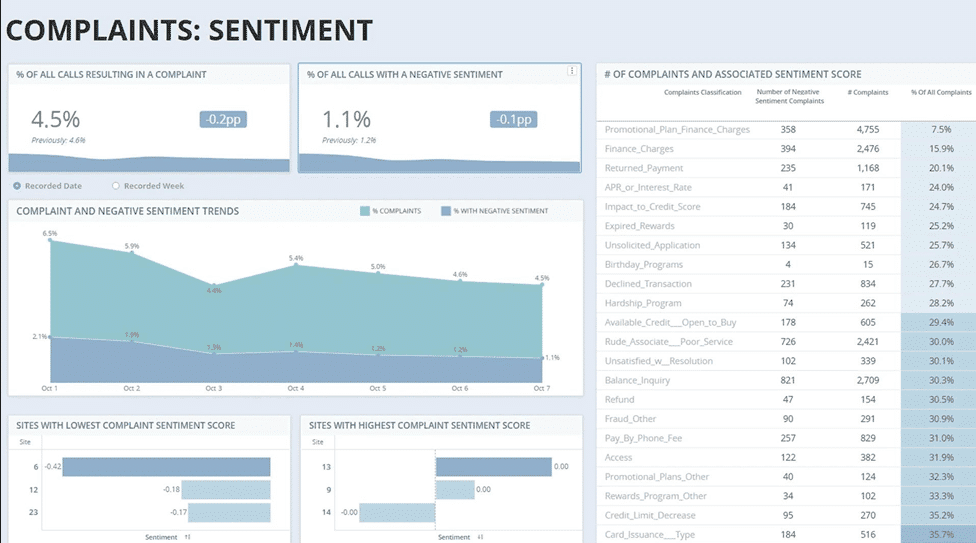
Analyze customer sentiment trends for business improvements.
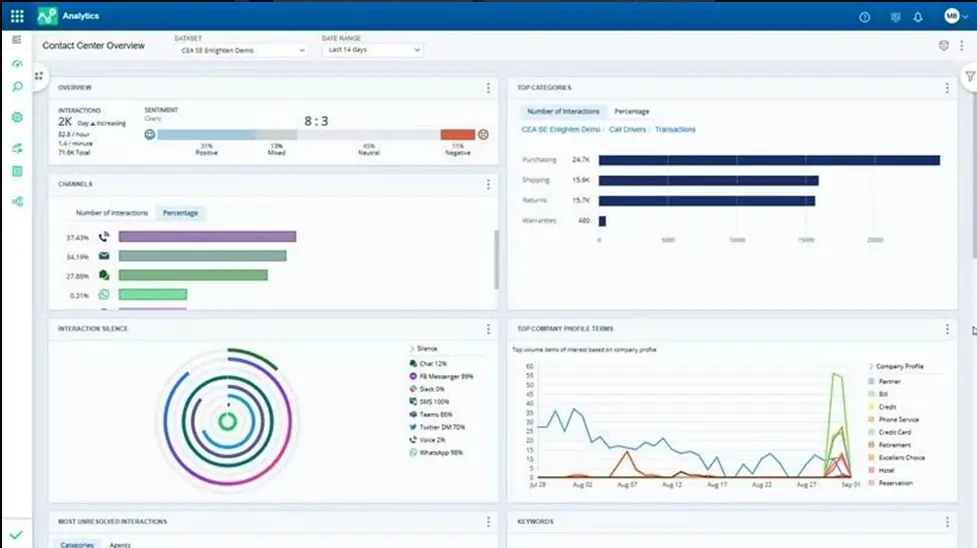
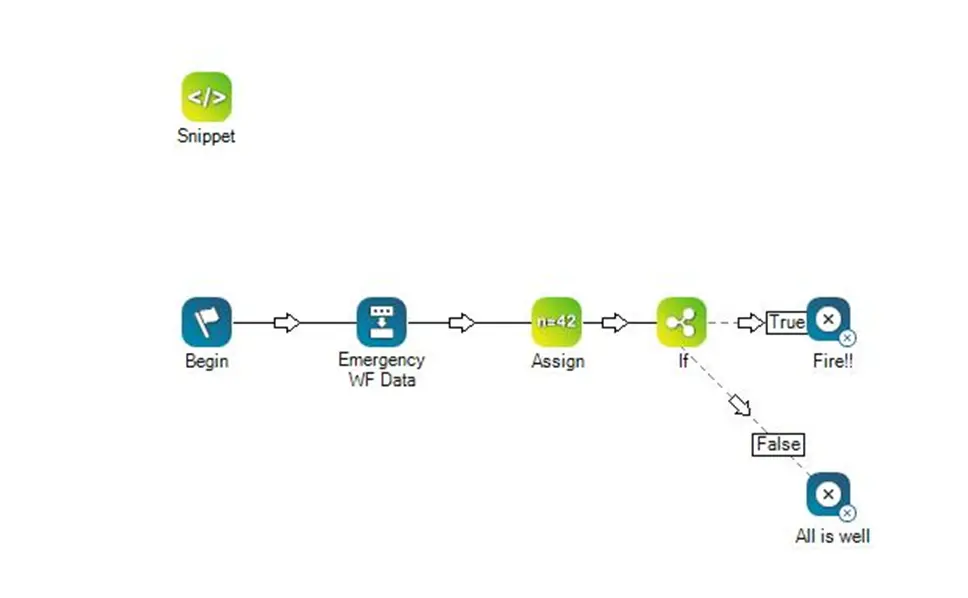
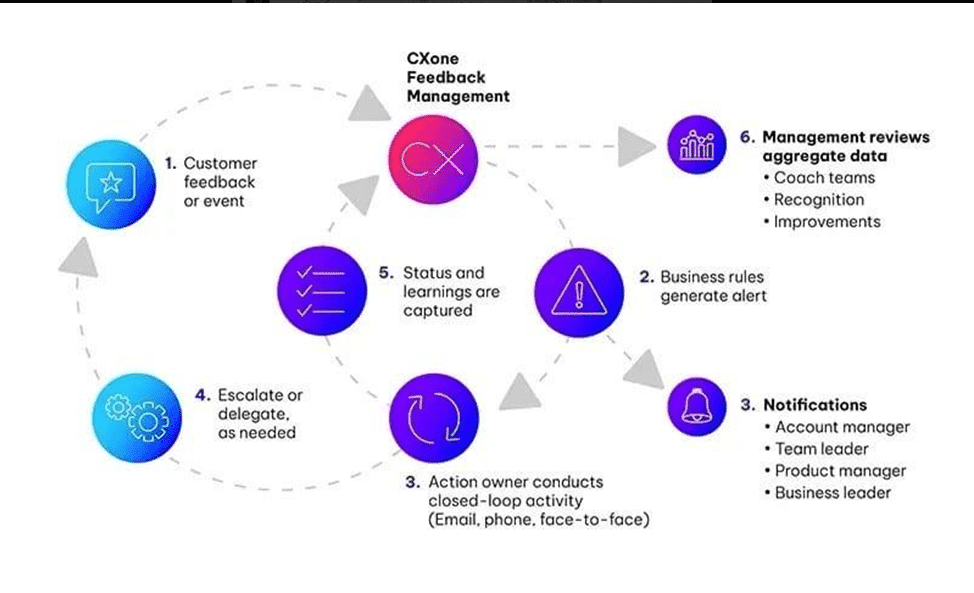
NICE CXone Analytics Dashboard Visualization
What You Learn in NICE CXone Training
At VoIP Trainers Pvt Ltd, learners gain hands-on experience with:
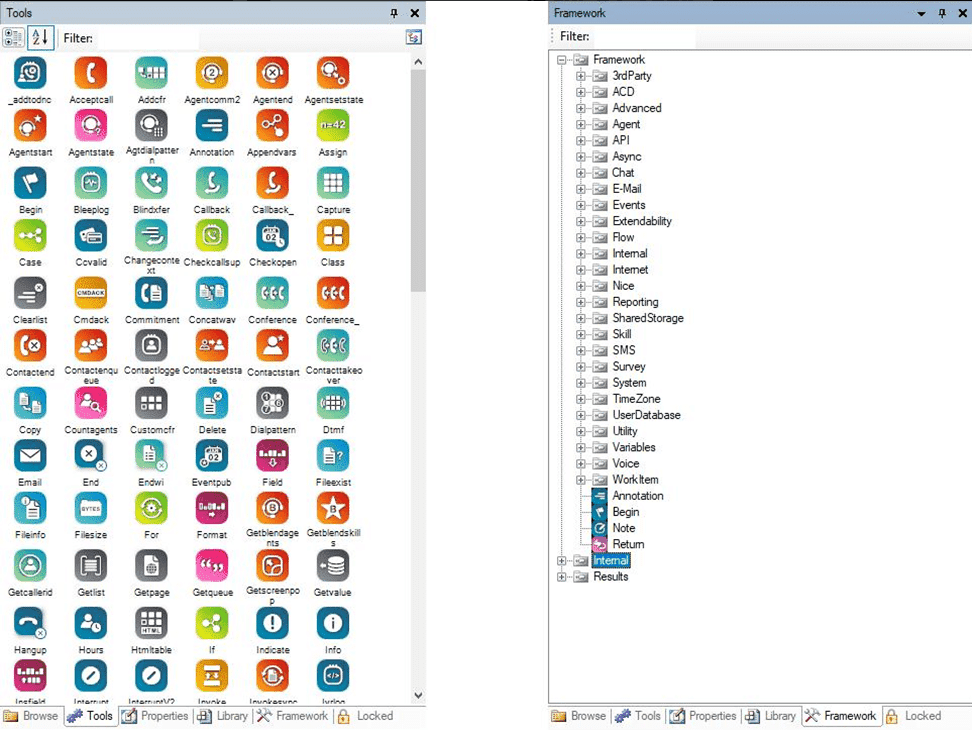
- NICE CXone Studio scripting
- Analytics action configuration
- Email sentiment analysis
- Intelligent routing workflows
- AI-powered automation
- Contact center scripting
- Omnichannel customer experience
- Enterprise contact center management
The training includes practical real-world scenarios used in large-scale NICE Contact Center deployments.
Advantages of Analytics Action
| Feature
|
Benefit
| | — | — | |
AI Sentiment Analysis
|
Better customer understanding
| |
Intelligent Routing
|
Faster resolution
| |
Automated Escalation
|
Improved retention
| |
Real-Time Processing
|
Immediate action
| |
Workforce Optimization
|
Better productivity
|
Conclusion
The Analytics action in NICE CXone is a powerful AI-driven feature that helps organizations analyze customer emotions and automate intelligent email routing.
In enterprise NICE Contact Center environments, this functionality improves:
- Customer experience
- Retention management
- Response prioritization
- Workforce efficiency
- Automation intelligence
Learning Analytics action through professional NICE CXone Training helps administrators and contact center engineers build advanced AI-powered customer engagement workflows for modern cloud contact center operations.